
Canva AI
FreemiumConversational AI for editable designs, branded content, images, video, writing, and interactive experiences
About
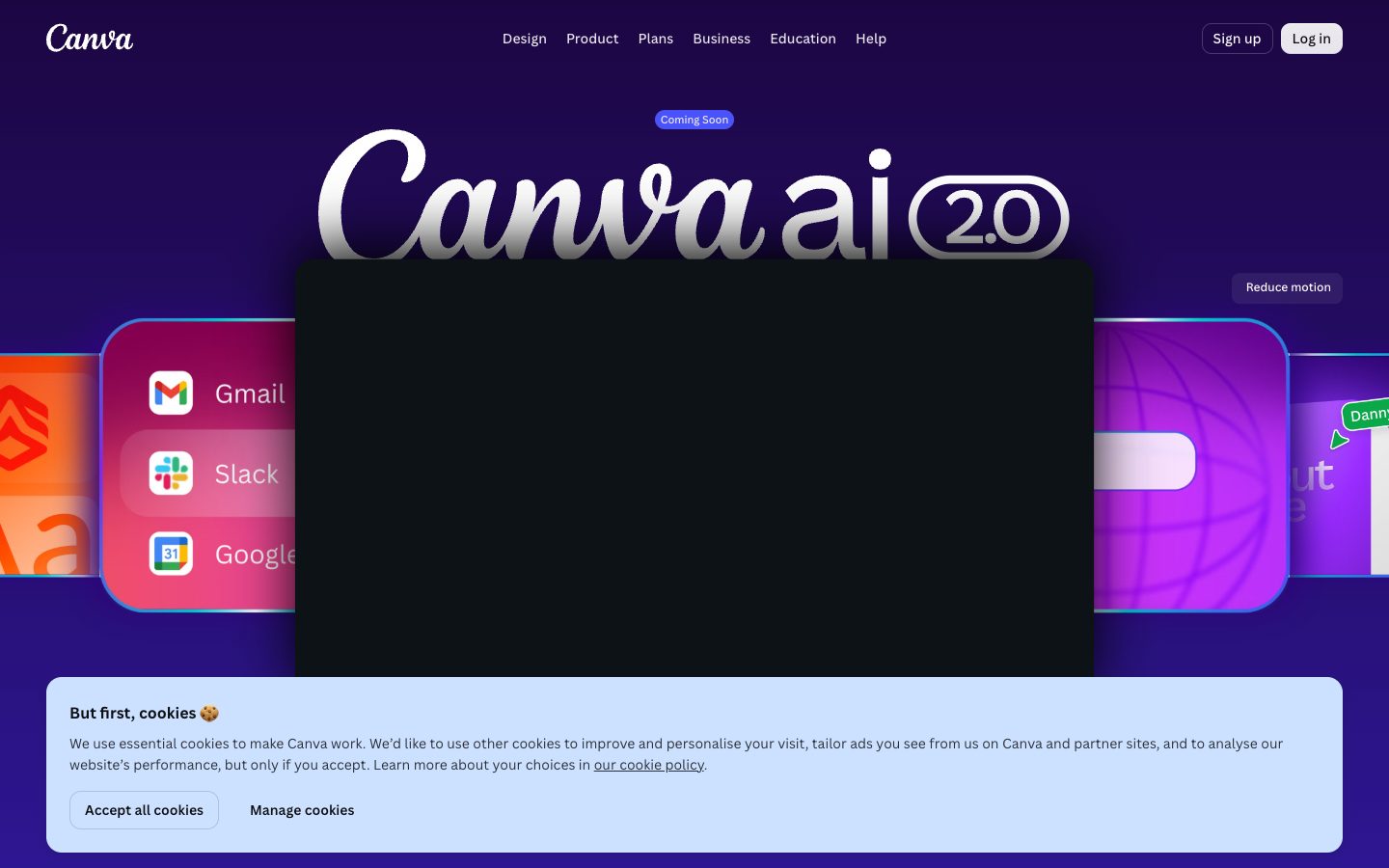
Canva AI is the conversational AI layer inside Canva’s visual design and content workspace. Canva AI 2.0 lets users start with text, voice, images, a brief, or an unfinished idea, then generate and refine designs, copy, images, videos, and interactive experiences inside the editor. Outputs remain editable and can use a Brand Kit, connected tools, and Canva’s publishing workflow. Canva describes AI 2.0 as a research preview.
✨ Key Features
- Conversational design — Describe an idea or goal in text or voice, then refine the generated design through back-and-forth feedback.
- Layered editable output — Generate layouts whose text, images, and graphics remain separate editable objects instead of a locked flat image.
- AI-powered templates and elements — Create layouts and design elements from a prompt, then open and adjust them in the Canva editor.
- Image and photo editing — Generate images, clean up or replace backgrounds, improve lighting, resize designs, and apply point-and-click edits.
- Writing assistance — Use Magic Write and conversational refinement to turn ideas or first drafts into polished copy and Docs.
- Brand-aware generation — Attach a Brand Kit or Brand System so fonts, colors, tone, and style inform generated designs.
- Memory and personalization — Canva AI 2.0’s Memory Library can learn a user’s style, tone, and context to personalize later outputs.
- Connectors and web research — Connect services such as Slack, Gmail, Google Drive, Notion, Zoom, HubSpot, Microsoft, Atlassian, and Linear; use web research to bring structured findings into a design.
- Canva Code and interactive output — Generate responsive interactive experiences, including calculators or maps, and publish or continue editing them in Canva.
💳 Pricing
- Free — US$0. Includes Canva’s basic editor, templates and assets, 5 GB storage, and up to 20 uses of Standard or Premium AI tools according to the reviewed pricing page; Ultra AI tools are not included.
- Pro — US$180/year for one person on the reviewed annual page. Adds premium content, more AI tools, five Brand Kits, social scheduling, 100 GB storage, Canva AI 2.0 and connectors, with an estimated allowance of up to 200 Premium or 20 Ultra AI uses.
- Business — US$250/year per person on the reviewed page. Adds team collaboration and administration, 100 Brand Kits and approvals, 500 GB storage, Canva AI 2.0 and connectors, with an estimated allowance of up to 400 Premium or 40 Ultra AI uses.
- Enterprise — Contact sales. The pricing page lists enterprise controls and organization-level capabilities; exact price and AI allowance require a sales evaluation.
Pricing note — AI usage is pooled, resets monthly, and varies by tool and task complexity. Fair-use limits apply; AI Pass or top-ups may cost extra. AI 2.0 is a research preview.
⚖️ Alternatives Compared
| Product | Best for | Public pricing | Key difference |
|---|---|---|---|
| Canva AI | End-to-end visual content creation in an editable design workspace | Free; Pro $180/year; Business $250/year; Enterprise custom | Combines conversational generation with templates, Brand Kits, editing, publishing, connectors, and interactive Canva Code output |
| Figma AI | Collaborative interface and product design workflows | Free and paid plans; see official pricing | Centers on product-design files, components, and collaborative design workflows rather than broad marketing-content publishing |
| Framer AI | Prompt-assisted website creation and publishing | Free and paid plans; see official pricing | Focuses on website layouts, responsive pages, and site publishing rather than Canva’s wider design and media library |
| Uizard | Fast UI mockups and wireframes from ideas | Free and paid plans; see official pricing | Targets UI ideation and prototyping, while Canva covers wider visual content formats and brand publishing |
🎯 Use Cases
- Marketing campaigns — Turn a product brief into on-brand social, ad, presentation, and other channel-specific assets.
- Small-business content — Use a Brand Kit and AI editing to produce consistent promotional visuals without starting from a blank canvas.
- Sales enablement — Draft a pitch, adapt it into a presentation, and refine the copy and visuals through conversation.
- Social publishing — Generate a recurring batch of posts, resize them for different channels, and schedule the work where the selected plan supports it.
- Education — Create presentations, learning activities, illustrations, and interactive materials, then manually review facts and accessibility.
- Design teams — Explore several concepts quickly while retaining layered objects that a designer can edit and approve.
- Research and reporting — Bring connected documents or web research into a structured, editable design or briefing.
Canva AI Website Overview
Canva AI has an Ahrefs Domain Rating of 93 and falls within Cloudflare Radar's global top 500 popularity bucket. This bucket is unordered, and neither signal represents actual visits.
- Domain rating
- 93
- Popularity position
- Top 500
- Primary category
- Unavailable
- Ranked locations
- 0
Ahrefs
Cloudflare Radar
Cloudflare Radar
Cloudflare Radar
Website categories
No category data is available yet.
Top locations by rank
No location ranking is available yet.
Data coverage
Free popularity and domain-authority signals only; no estimated visits or engagement metrics are shown.
Sources: Domain Rating by Ahrefs · Cloudflare Radar · Oct 19, 2026. Cloudflare Radar data is licensed under CC BY-NC 4.0.
Similar tools
Uizard
FreemiumAI-powered UI design and prototyping from prompts, screenshots, and sketches
Framer AI
FreemiumAI website builder that creates editable pages and content on a visual canvas through publishing
Figma AI
FreemiumAI workflows inside Figma for exploring, polishing, and shipping product work
Relume
FreemiumAI website planning and design system for sitemaps, wireframes, and Webflow/Figma workflows
Visily
FreemiumAI-assisted wireframing, prototyping, and product-flow design for teams