
Figma AI
FreemiumAI workflows inside Figma for exploring, polishing, and shipping product work
About
Figma AI is a set of AI workflows built into Figma Design, FigJam, Slides, Make, Sites, and other products. It helps teams explore design directions, generate and edit images, search files, create diagrams, rewrite text, build prototypes, and move from design context to code with Figma Make and the Figma MCP server. AI access is tied to Figma plans and seat types through monthly AI credits; the agent is in beta and its credit treatment can change as features become generally available.
✨ Key Features
- Generate design directions — Use the Figma agent to explore ideas and remix designs from prompts.
- Edit and generate images — Remove backgrounds, expand images, isolate objects, boost resolution, and create or edit visuals.
- Search design files with AI — Find components and assets using visual or contextual search.
- Create diagrams and FigJam content — Generate templates, diagrams, and organize collaborative boards.
- Rewrite and adjust text — Replace copy and adjust tone inside design workflows.
- Build prototypes with Figma Make — Turn prompts and design context into code-backed prototypes.
- Connect designs to code — Use the Figma MCP server to provide context to AI coding tools and make edits.
- Use reusable Skills — Package repeatable workflows as instructions for teams.
- Bring in context — Attach images, documents, data files, design libraries, connectors, and product documentation to prompts.
- Animate and polish work — Generate editable motion and compare directions side by side.
- Work across Figma products — Extend AI workflows across Design, FigJam, Slides, Sites, Buzz, and Make where supported.
- Control AI credits — Track seat allocations, purchase shared credit add-ons, and use pay-as-you-go options for ongoing team use.
💳 Pricing
Figma AI is not a standalone subscription. It is included or available within Figma plans, with credits varying by seat type:
- Starter —
Free; unlimited drafts, UI kits/templates, and up to 150 AI credits/day with up to 500 credits/month. Most Figma Design AI features require a paid Full seat; access varies by product. - Professional (annual billing) — Full seat US$16/month, Dev seat US$12/month, Collab seat US$3/month, each an annual-billing equivalent confirmed in the selected public view; full seats include 3,000 AI credits/month and Dev/Collab seats include 500 credits/month.
- Organization — Full seat
$55/month, Dev seat$25/month, Collab seat$5/month, billed annually; full seats include 3,500 AI credits/month and Dev/Collab seats include 500 credits/month. - Enterprise — Full seat
$90/month, Dev seat$35/month, Collab seat$5/month, billed annually; full seats include 4,250 AI credits/month and Dev/Collab seats include 500 credits/month. - Additional AI credits — Figma offers shared credit subscriptions and pay-as-you-go add-ons; the amount and price depend on the selected package and current billing settings.
As checked on 1 October 2026, the pricing FAQ says Figma agent beta is free and its prompts/actions do not consume AI credits; standard AI credit usage applies once generally available. This exception does not make every other AI feature credit-free. Prices are in USD on the public page. Seat access, product availability, and AI credit consumption vary by plan and feature; verify the live plan comparison before purchase.
⚖️ Alternatives Compared
| Product | Best for | Public pricing | Key difference |
|---|---|---|---|
| Figma AI | AI-assisted collaborative product design | Included through Figma plans; Starter free; paid seats from $3/month | Works inside Figma’s design, whiteboard, prototype, presentation, and developer-handoff ecosystem |
| Canva AI | Fast visual content creation | Free and paid options | Targets broad marketing and visual-content creation with simpler template-led workflows |
| Framer AI | Prompt-assisted website design and publishing | Free and paid options | Focuses on turning design ideas into publishable websites |
| Adobe Firefly | Generative image and creative assets | Free and paid options | Emphasizes generative media creation across Adobe’s creative ecosystem |
🎯 Use Cases
- Exploring multiple UI directions before a design review.
- Generating placeholder or production-ready visual assets.
- Removing backgrounds and improving image resolution in a design file.
- Turning a FigJam workshop into diagrams or organized boards.
- Rewriting interface copy for a different tone or audience.
- Building a clickable prototype from a product prompt.
- Giving an AI coding assistant structured Figma context through MCP.
- Standardizing repeated design tasks as team Skills.
- Searching a large design system for the right component or asset.
- Budgeting AI usage across design teams with credits and seat controls.
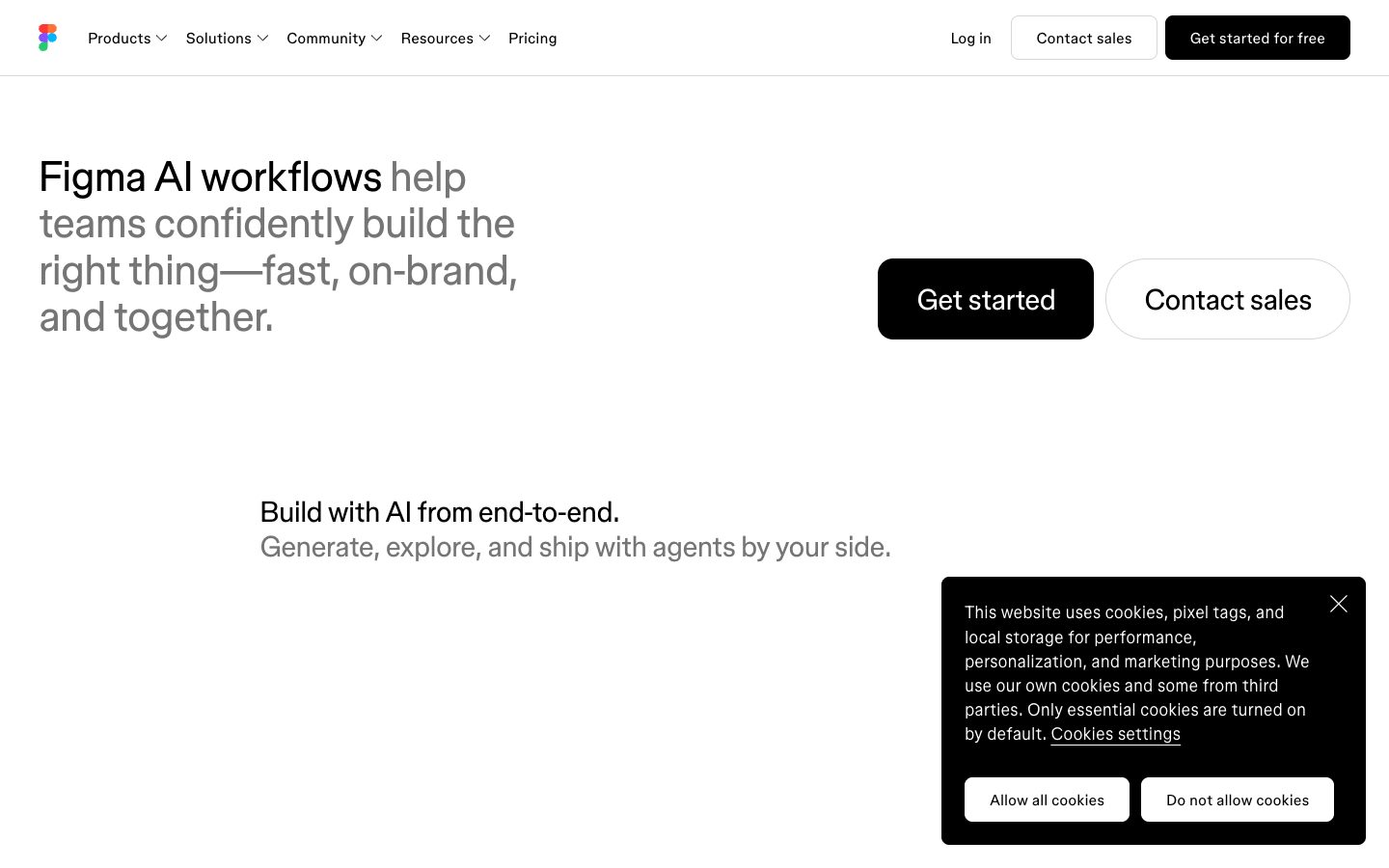
Figma AI Website Overview
Figma AI has an Ahrefs Domain Rating of 92 and falls within Cloudflare Radar's global top 1,000 popularity bucket. This bucket is unordered, and neither signal represents actual visits.
- Domain rating
- 92
- Popularity position
- Top 1,000
- Primary category
- Unavailable
- Ranked locations
- 0
Ahrefs
Cloudflare Radar
Cloudflare Radar
Cloudflare Radar
Website categories
No category data is available yet.
Top locations by rank
No location ranking is available yet.
Data coverage
Free popularity and domain-authority signals only; no estimated visits or engagement metrics are shown.
Sources: Domain Rating by Ahrefs · Cloudflare Radar · Oct 19, 2026. Cloudflare Radar data is licensed under CC BY-NC 4.0.
Similar tools
Canva AI
FreemiumConversational AI for editable designs, branded content, images, video, writing, and interactive experiences
Uizard
FreemiumAI-powered UI design and prototyping from prompts, screenshots, and sketches
Framer AI
FreemiumAI website builder that creates editable pages and content on a visual canvas through publishing
Relume
FreemiumAI website planning and design system for sitemaps, wireframes, and Webflow/Figma workflows
Visily
FreemiumAI-assisted wireframing, prototyping, and product-flow design for teams